


Launch anything. Native to Plasma.
Lightning-fast, focused & beautiful.
An application launcher for everyone.
Features
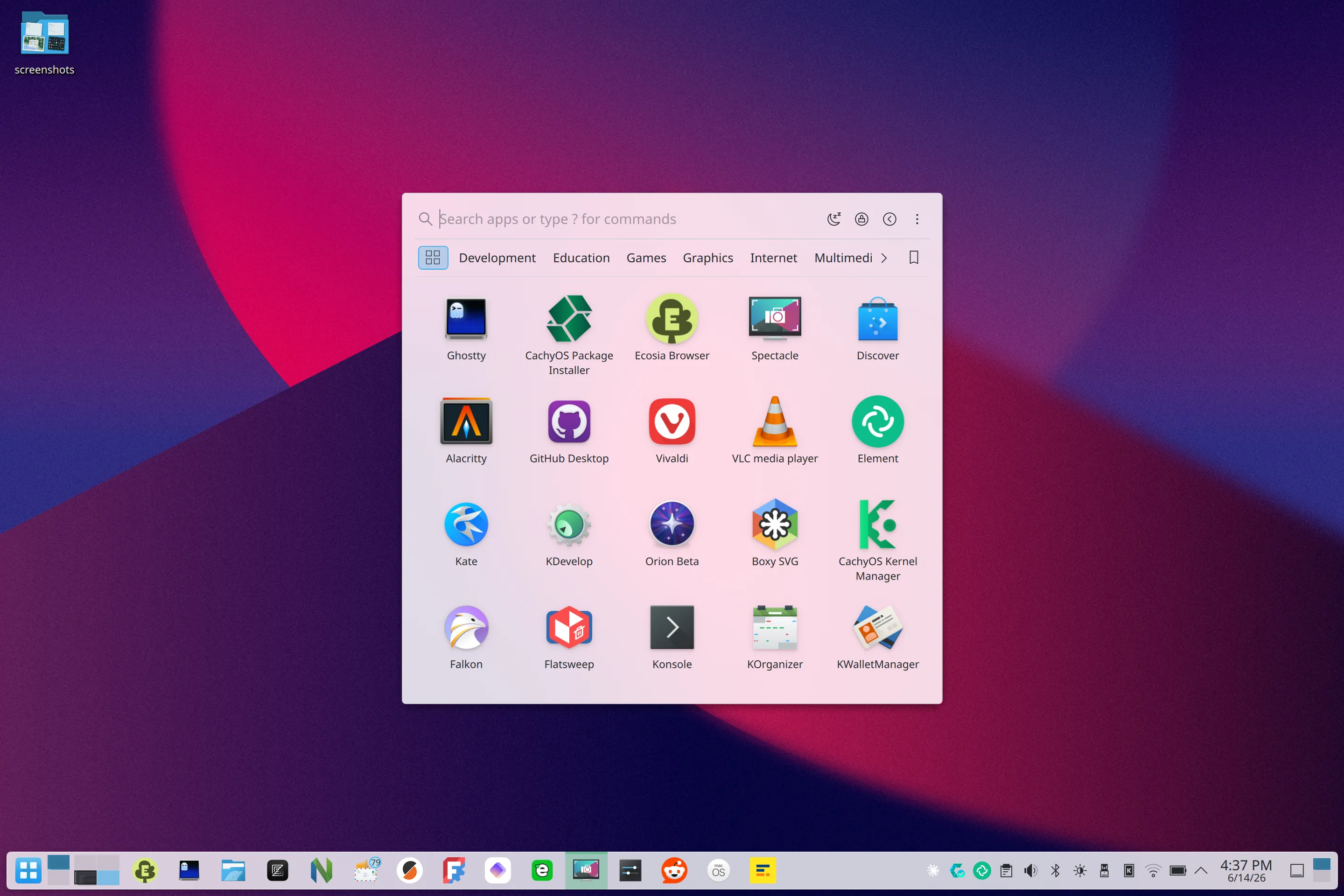
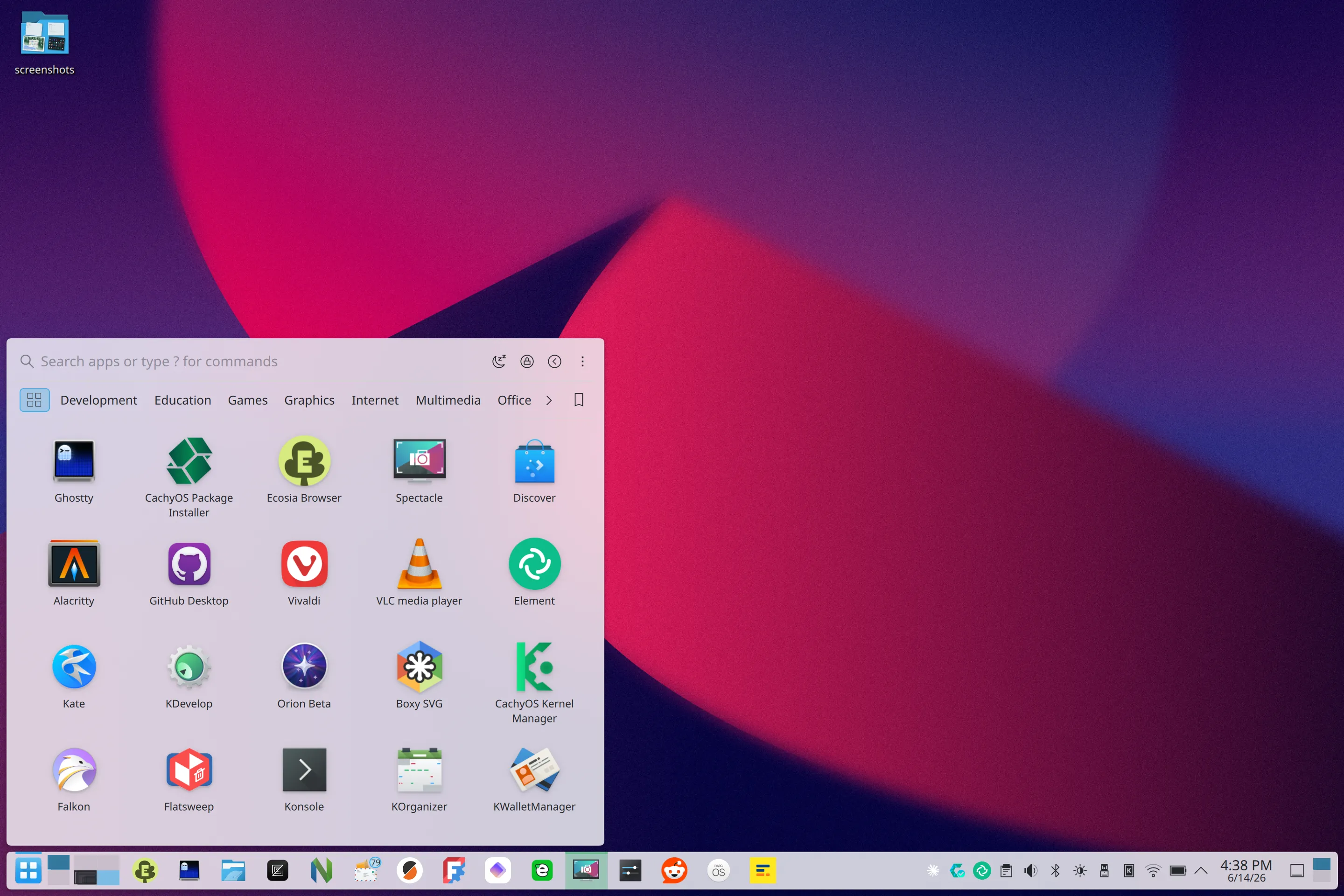
Two variants, one launcher
AppGrid (Center) is a standalone window with its own blur, opacity and corner radius. AppGrid (Panel) is a native Plasma popup anchored to the panel icon, the way Kickoff sits. Same grid, same search. Both ship together, so pick whichever suits you.
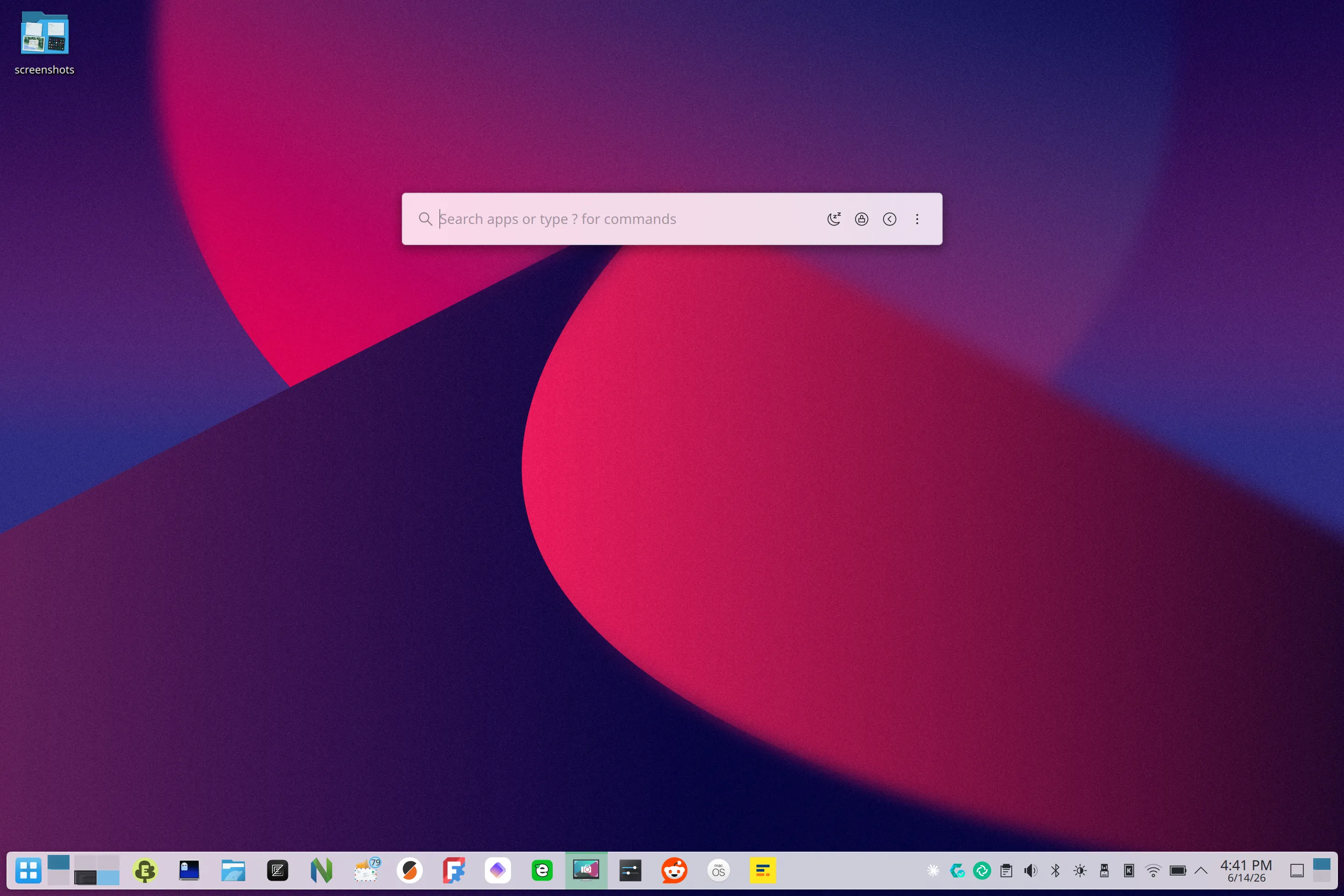
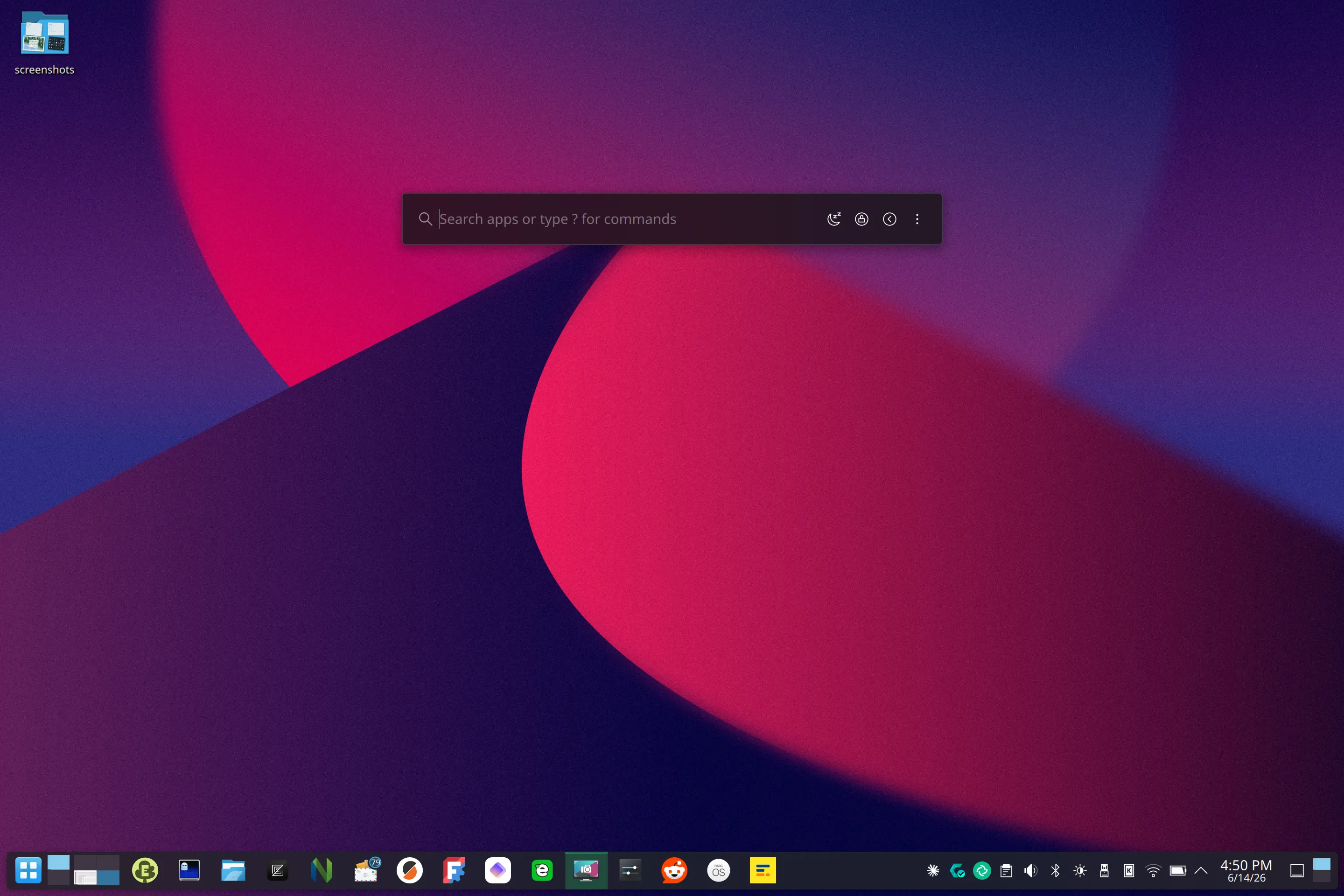
Compact mode
Like to search first? Compact mode keeps the grid hidden until you type, leaving just a search bar in the KRunner style. Press Down any time to bring the full grid back. Run it as the Center variant and bind a shortcut like Alt+Space to open it from anywhere, a clean drop-in for KRunner.
Smart ranking
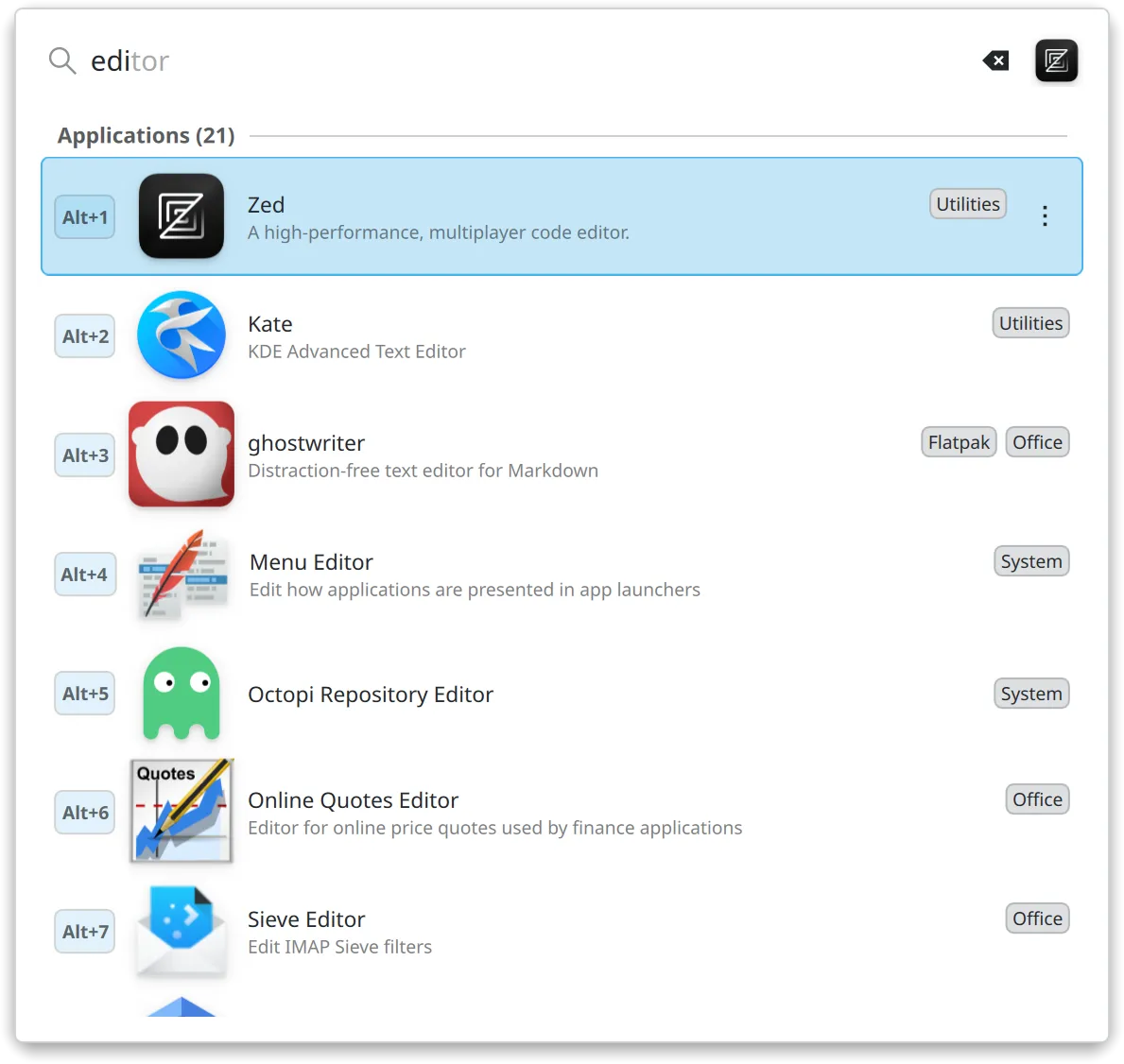
AppGrid usually knows what you want before you finish typing. A couple of letters and the right app is already on top. Closer name matches rank higher, the apps you open most edge up, and everyday picks like your browser or editor come before the rest. Inline completion fills in the word for you, so it is often a key or two and Enter.
KRunner & KDE search plugins
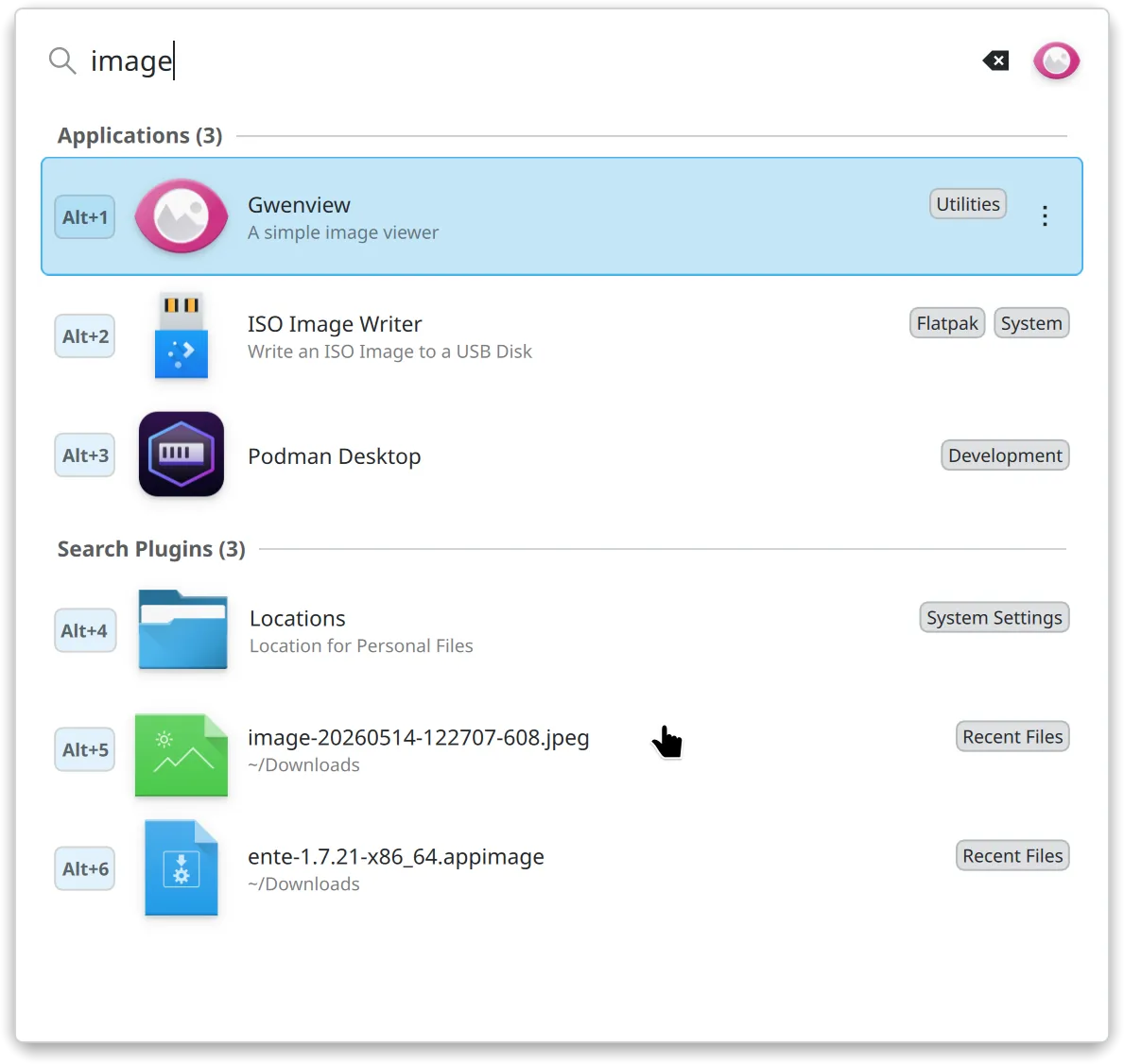
The search box also runs KDE's own helpers: calculator, unit and currency conversion, dictionary, file search, web shortcuts, bookmarks and more. Do quick maths, convert a value or open a file without leaving the launcher. Their results sit right next to your apps, ready for Alt+1 to 9.
KActivities & favorites
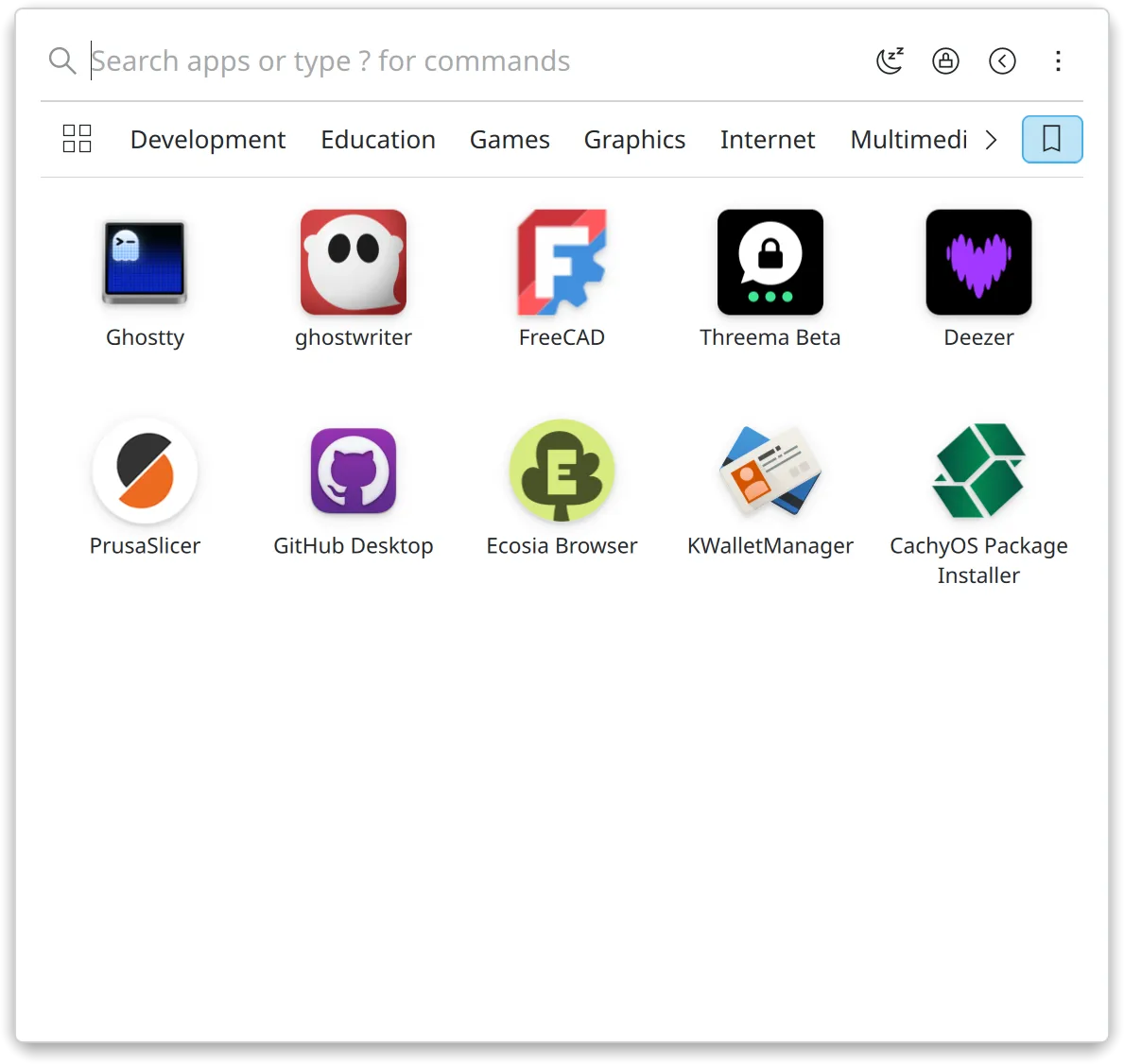
AppGrid stores favorites in KDE's activity-aware backend, not a private list of its own. The Center and Panel variants share one list, and it survives removing and re-adding the widget. Every app you launch is logged to Plasma's activity history, so it shows up in the Activity Switcher and recent results across your desktop. That same usage data (KActivities-Stats) feeds search, so the apps you reach for most rise to the top.
Quick commands
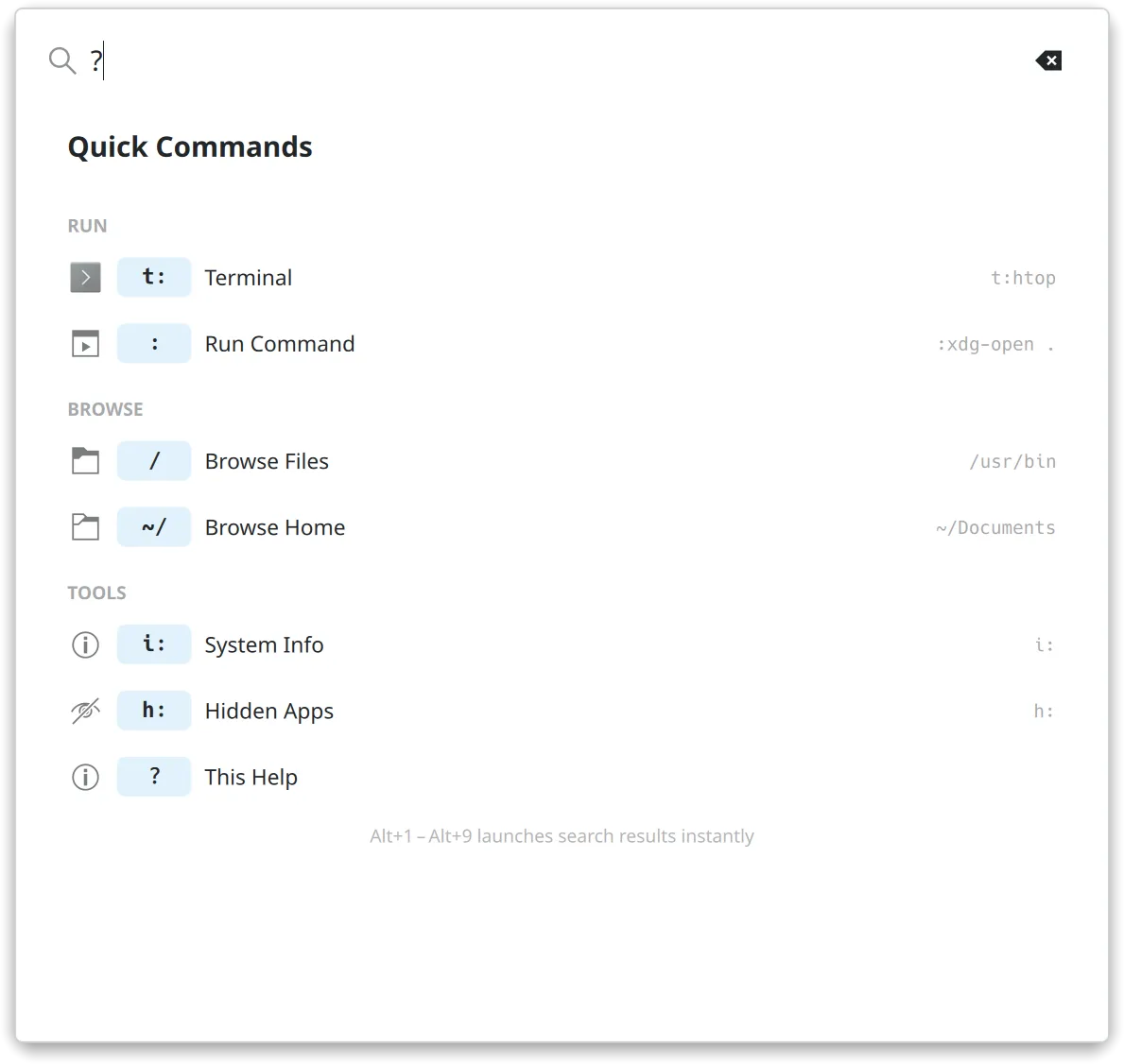
Switch modes right from the search bar. Type t: for the terminal, : for a shell command, / to browse files, i: for system info, h: for hidden apps, or ? for help. Each prefix opens its own focused view.
Categories
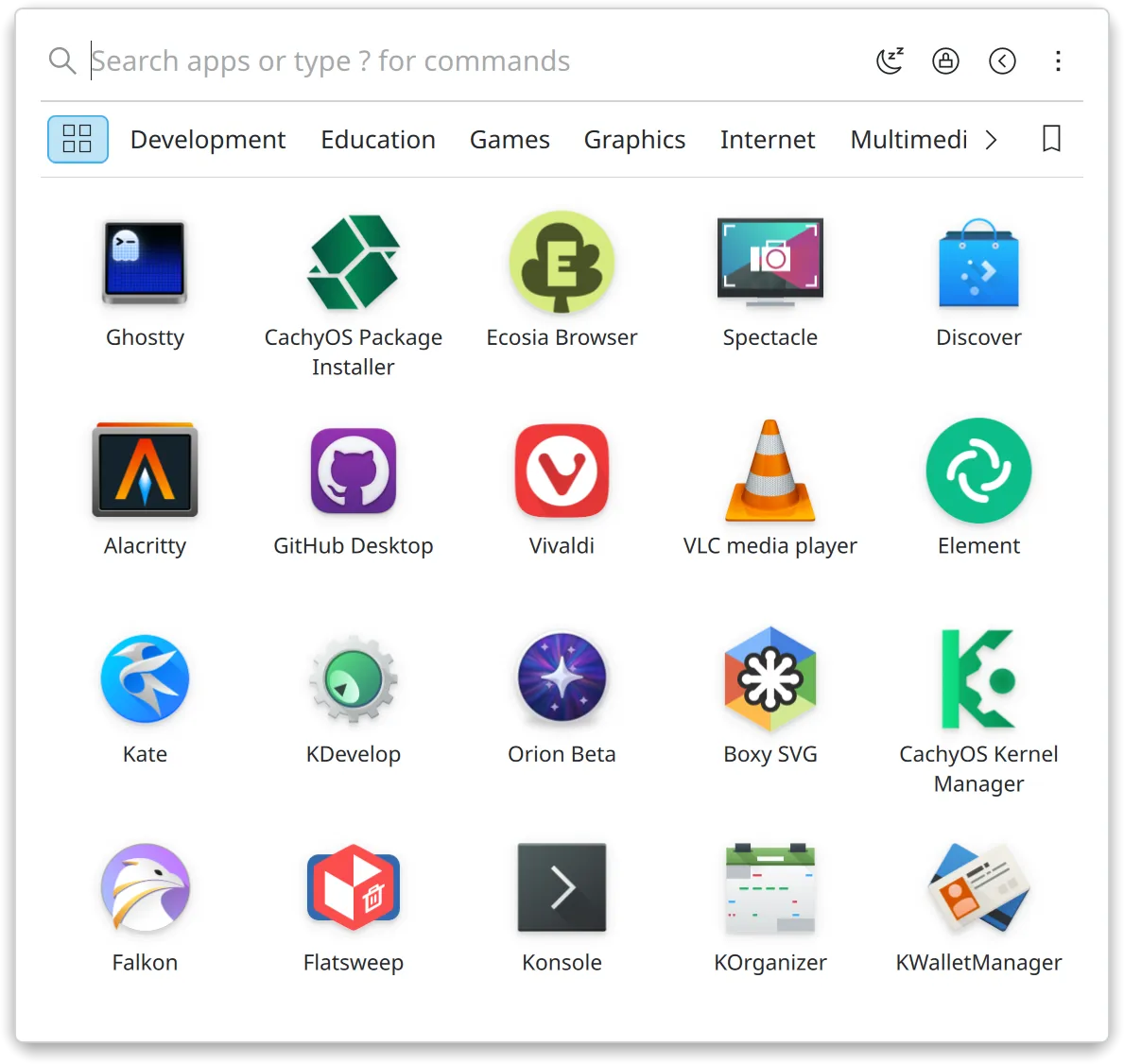
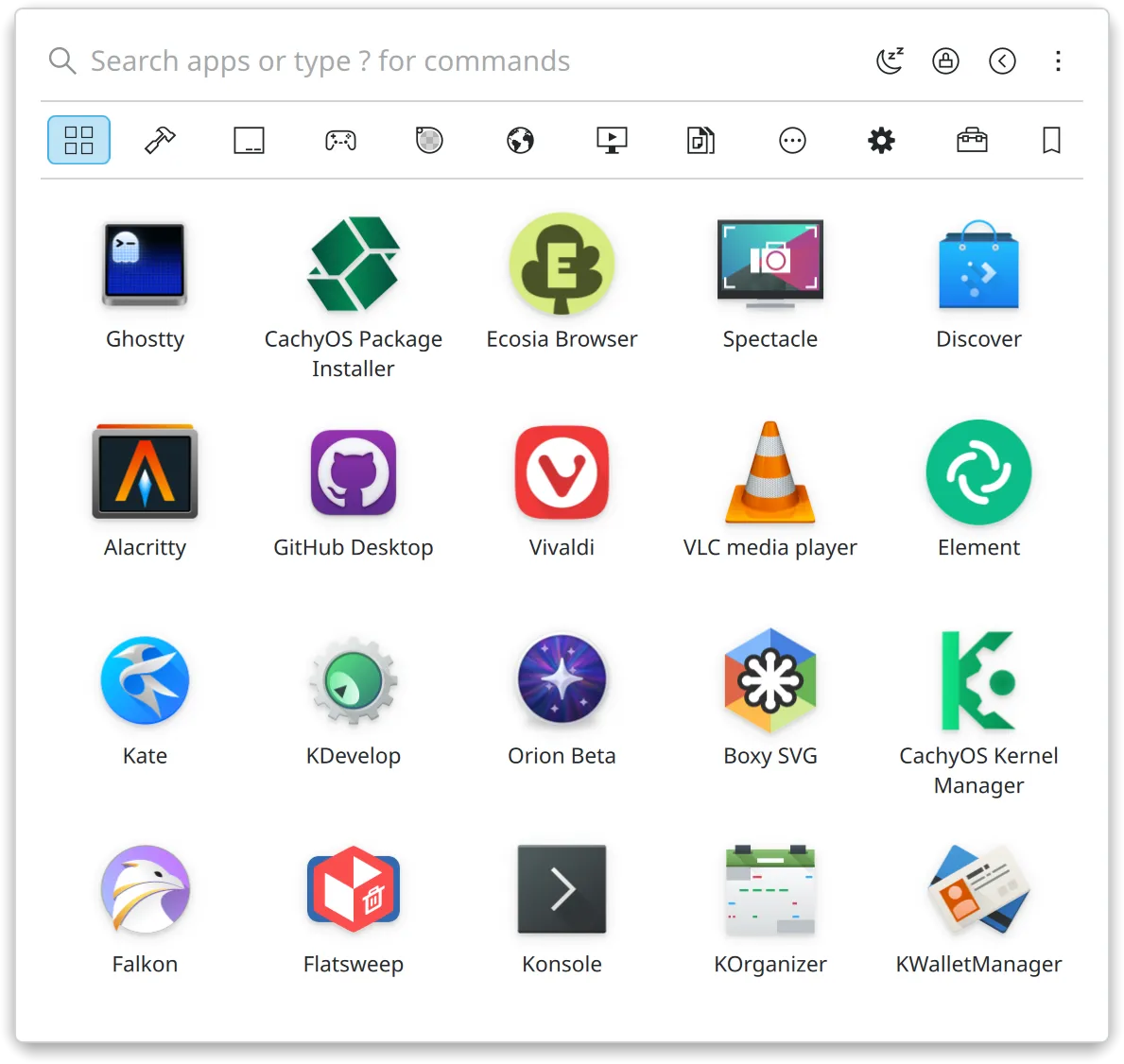
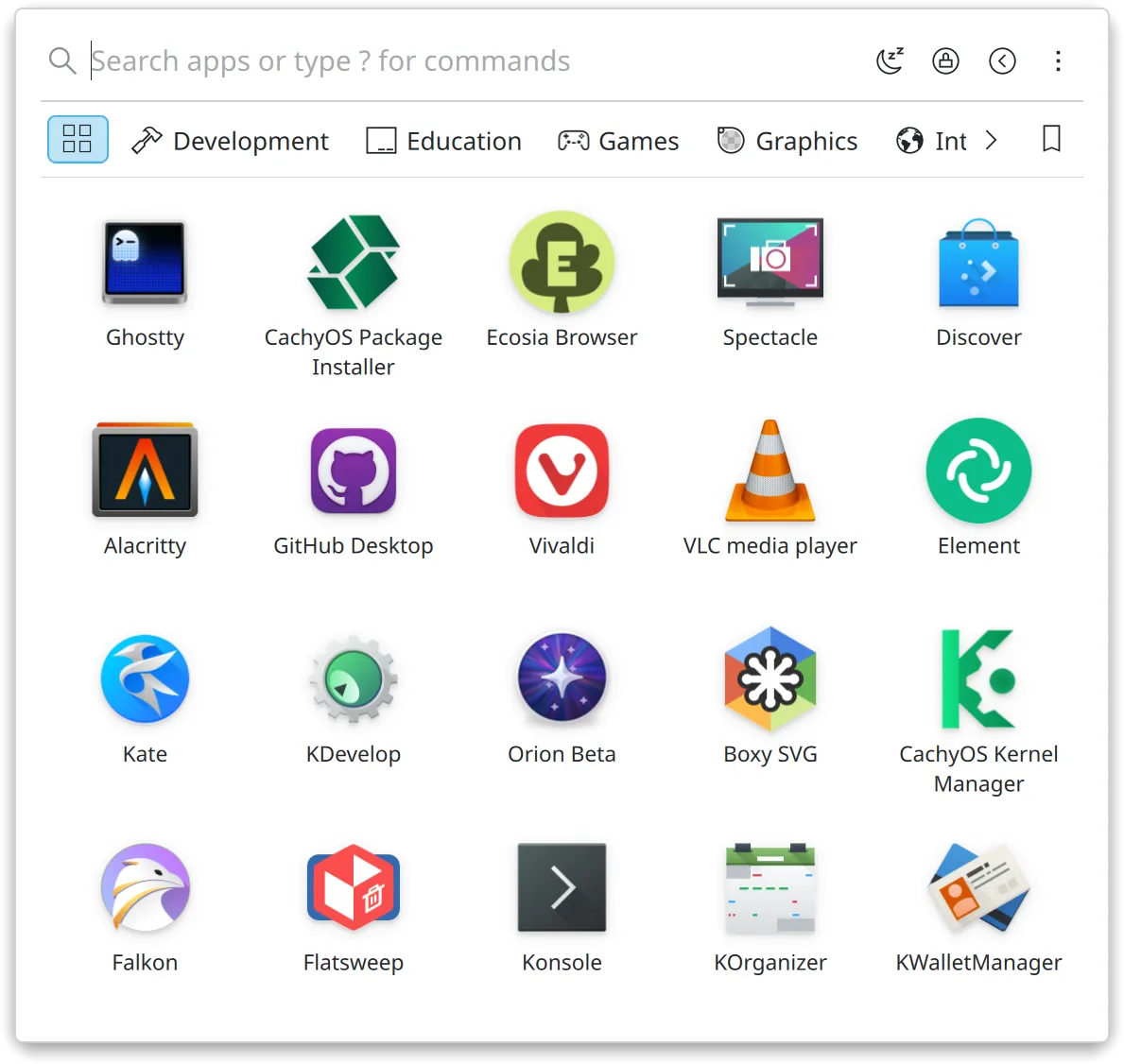
Browse your apps by category: Development, Graphics, Internet and the rest. Alt plus a letter jumps straight to one. Use AppGrid's built-in grouping, or read your live categories from the KDE Menu Editor. You can style the bar too, showing categories as plain text, icons only, or icons with text.
Drag, drop & multi-select
Drag any app onto your panel to pin it, onto the desktop to make a launcher, or onto the Favorites strip to favorite it. Drag favorites around to reorder them. Want several at once? Ctrl or Shift click to build a selection, then pin, launch, hide or remove the whole batch together.
Application actions & discovery
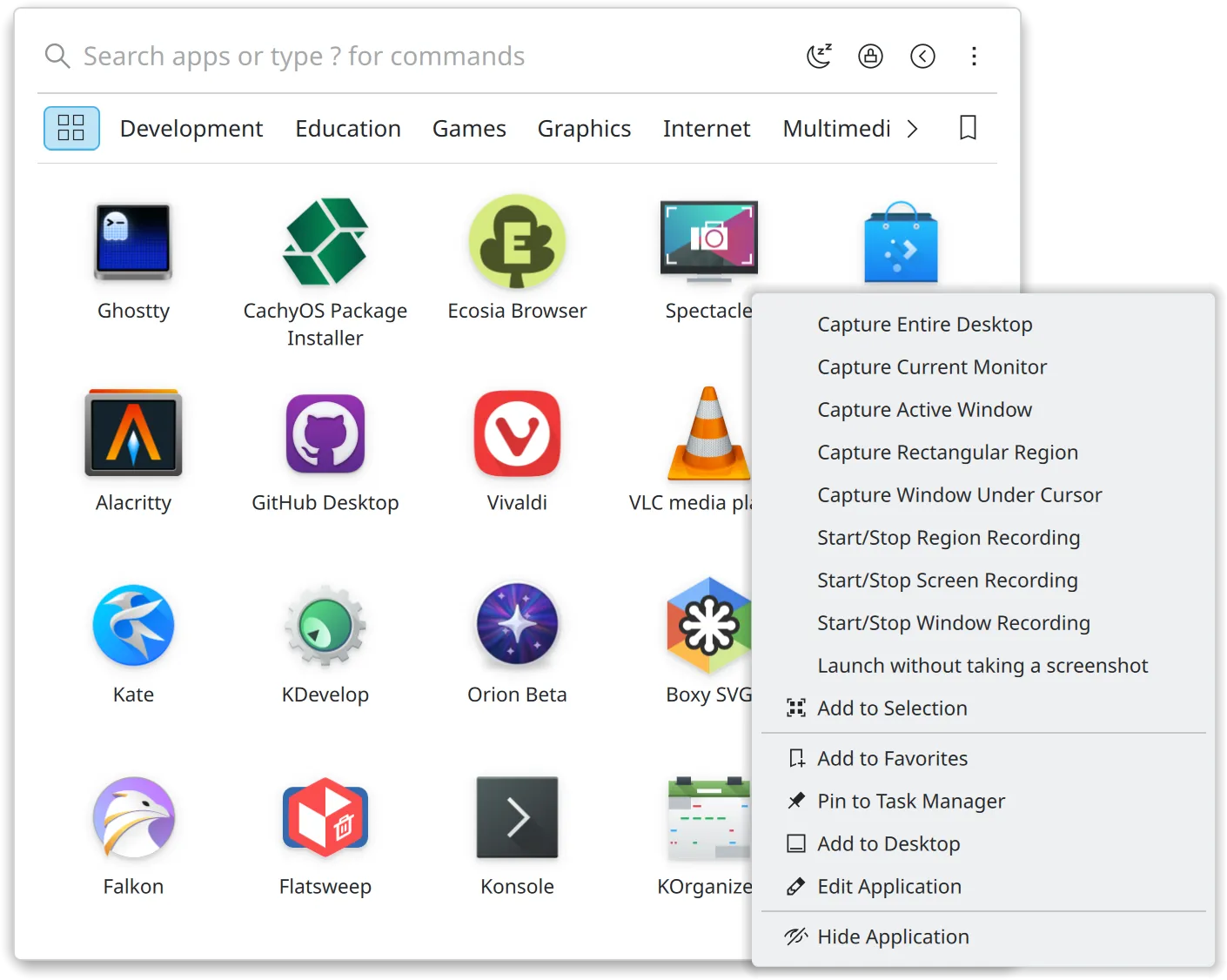
Right-click any app to reach its jumplist, the New Private Window or New Document style entries that come from its .desktop file. Pin it, add it to the desktop or hide it from there too. AppGrid shows where each app came from, whether that is Flatpak, Snap or your repos, marks freshly installed apps with a badge, and can open it in Discover to update or remove it through KDE's software centre.
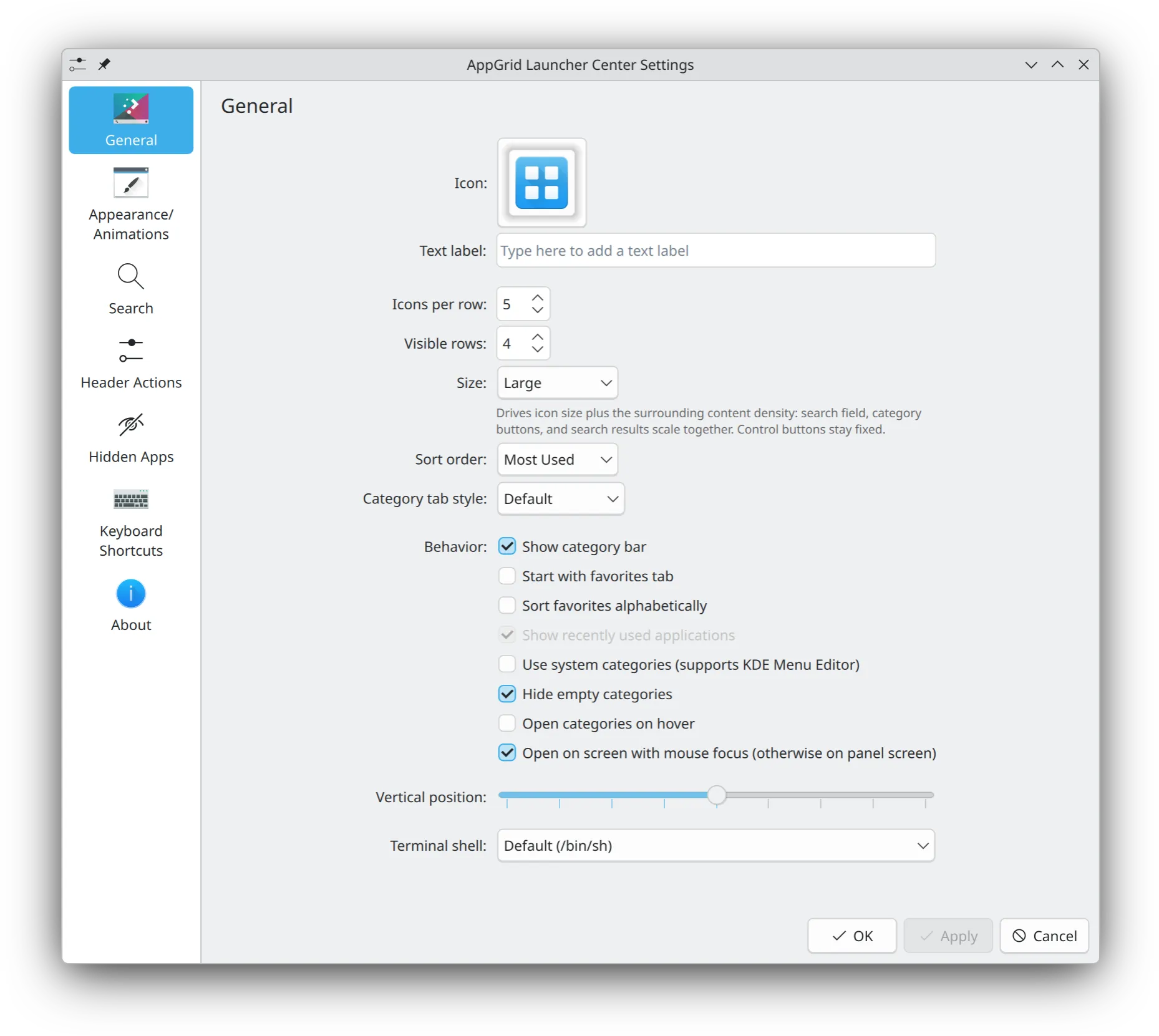
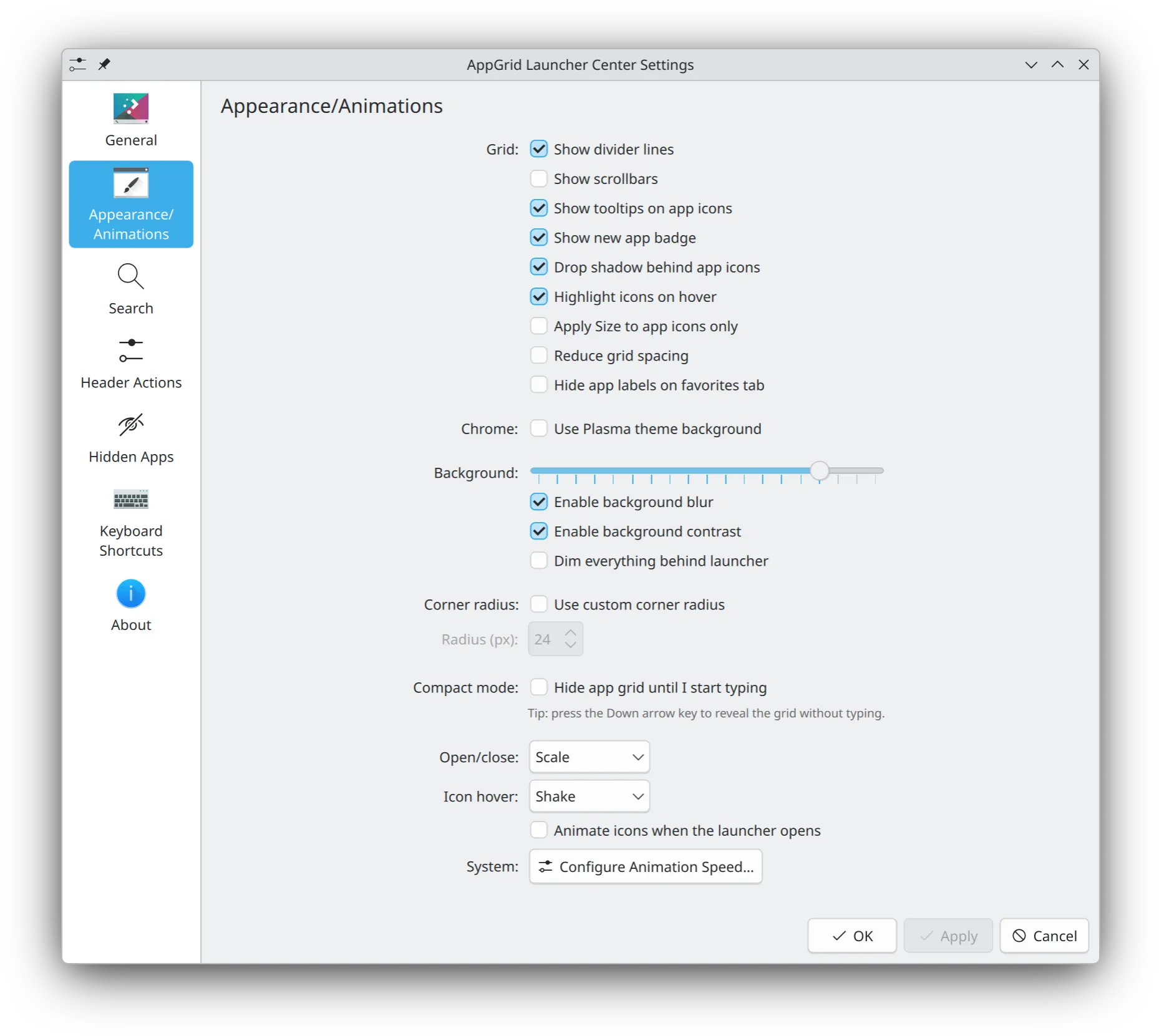
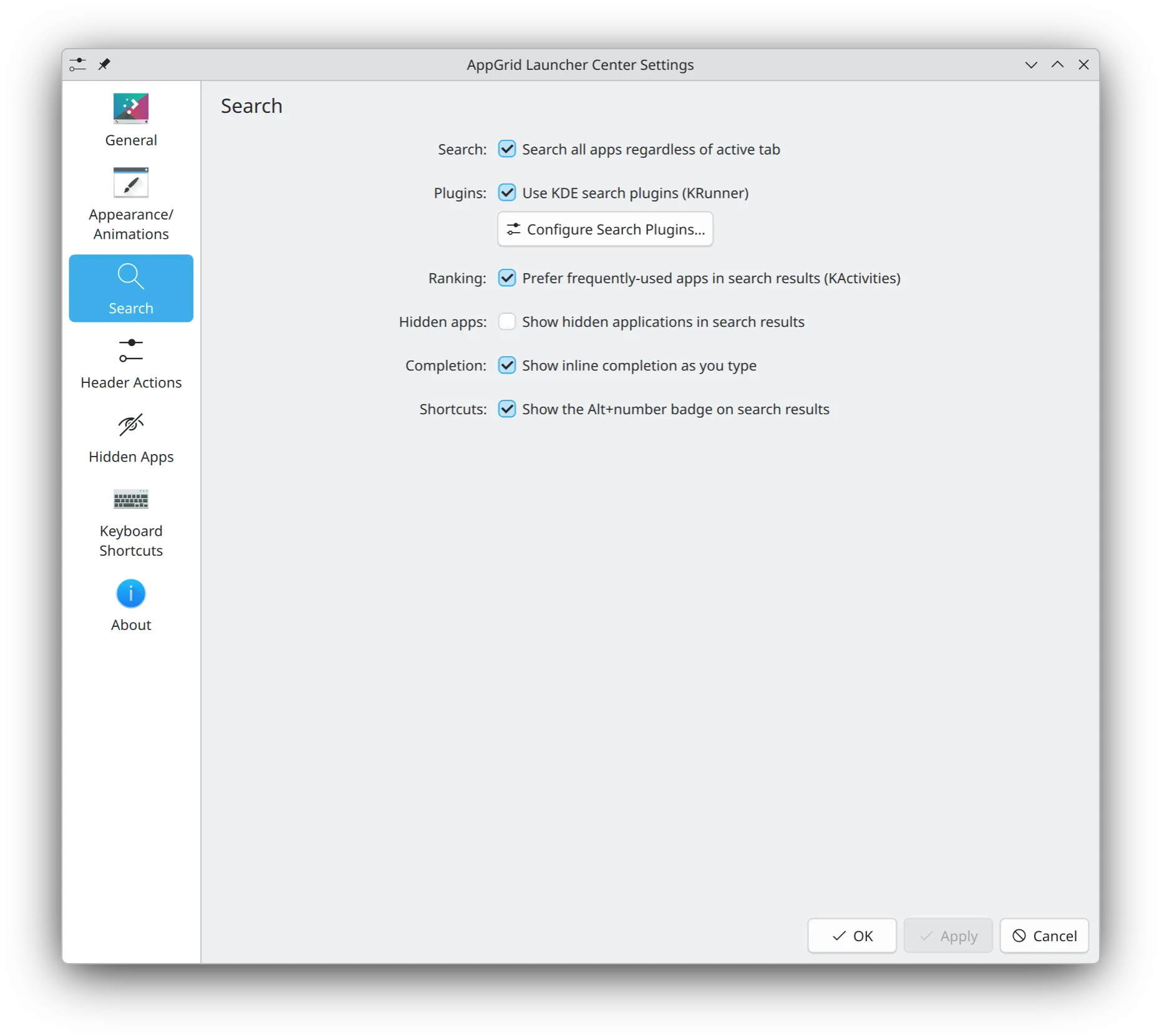
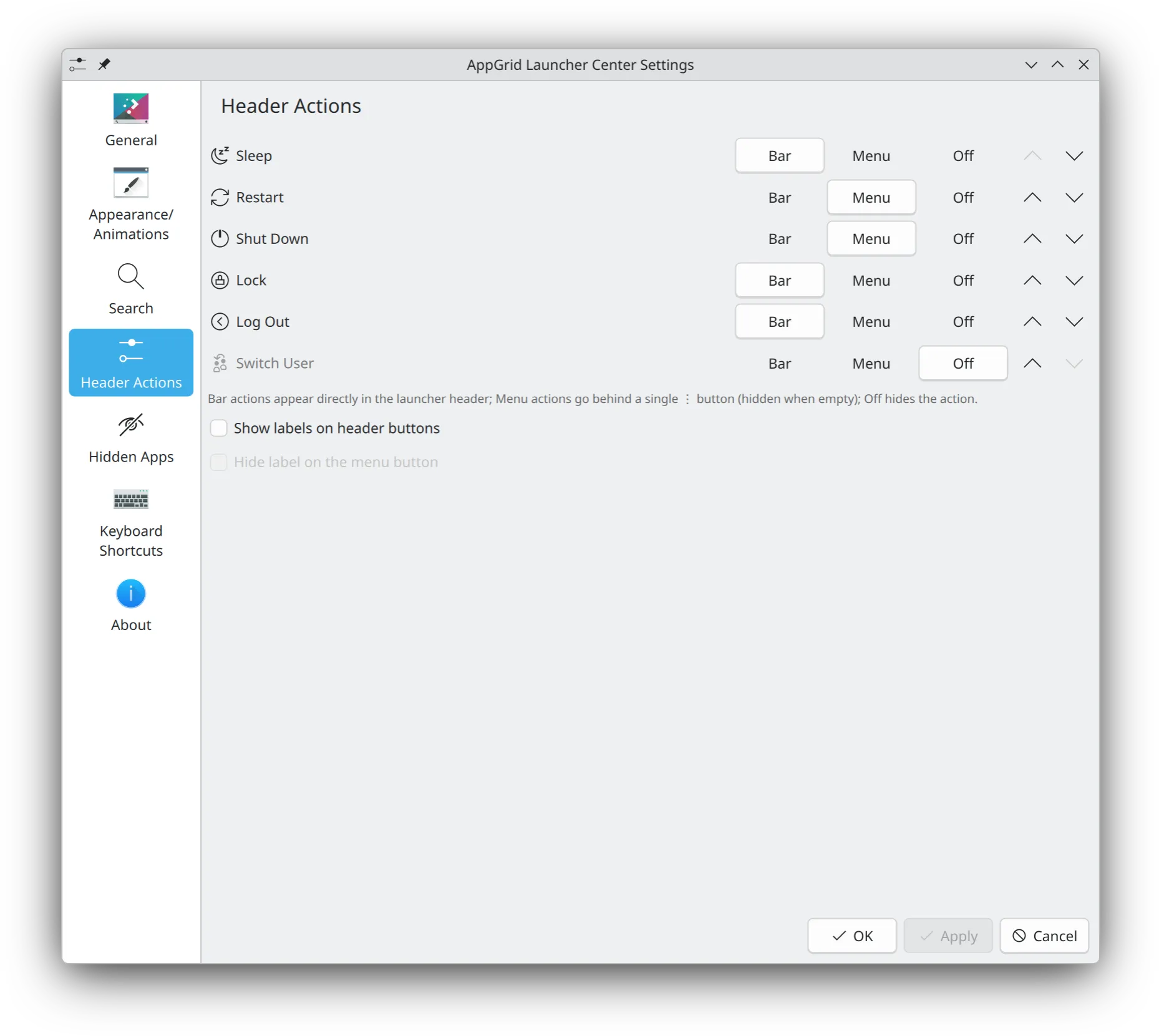
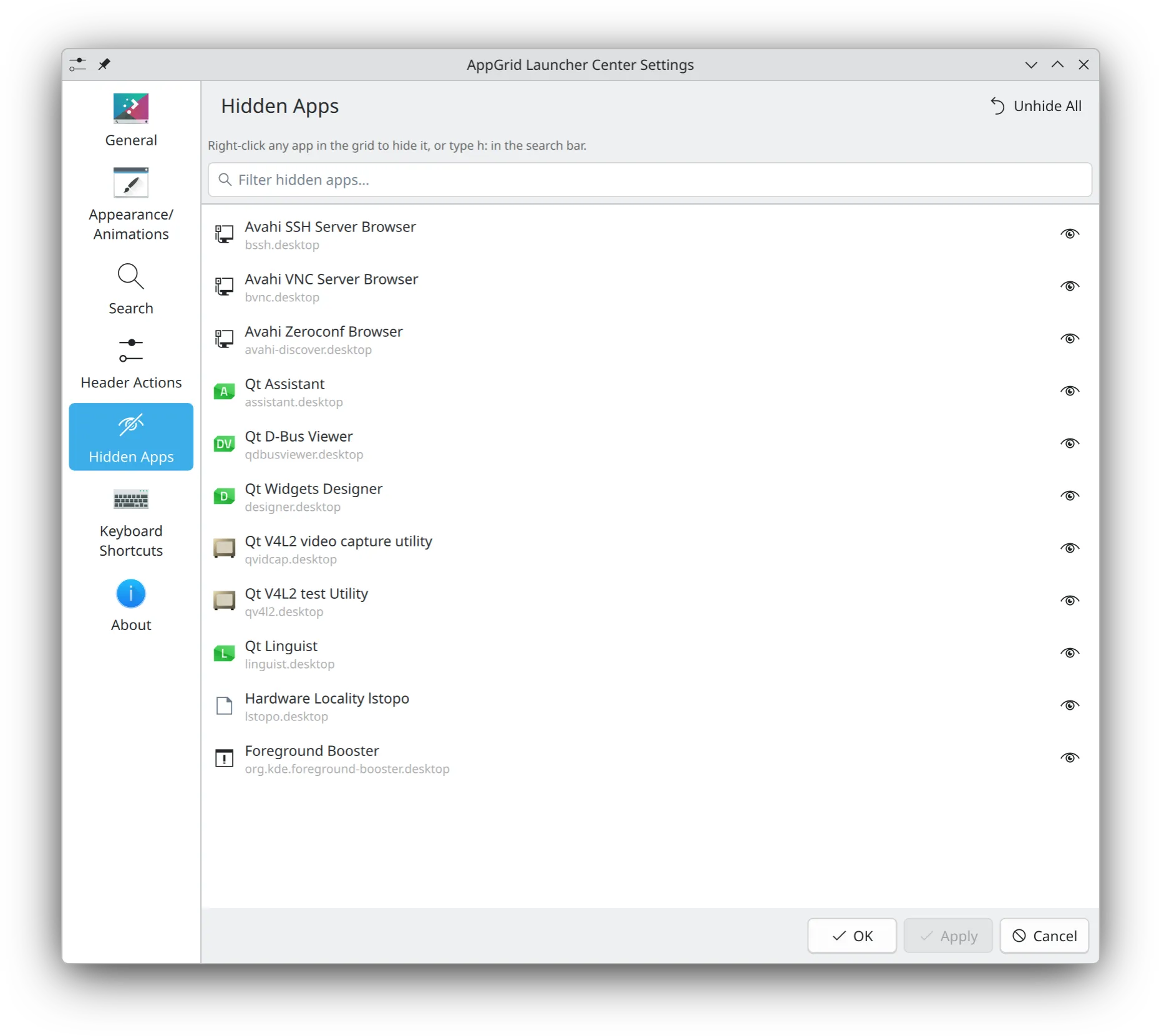
Make it yours
Tune the grid and icon size, blur, opacity, corner radius, dividers, tooltips, session buttons, the category bar, the recents row and label visibility, all saved per variant. It stays Plasma-native throughout, following your accent colour, fonts and animation speed.
At your fingertips
Search, switch tabs, reorder favorites, launch. All keyable.
Navigation
- Toggle AppGrid Super
- Close Esc
- Navigate results ↑ ↓ ← →
- Page through results PgUp PgDn
- Jump to first / last result Home End
- Launch top result Enter
- Cycle apps + runners Tab
- Cycle backwards Shift +Tab
- Launch by number Alt +1-9
- Jump to category Alt +letter
- Step through categories Alt +←→
- Move favorite by one cell Ctrl +Shift +↑↓←→
Multi-select
Build a selection in Favorites, All, or by-Category, then drag, pin, launch, or remove the whole batch at once.
- Toggle selection of clicked app Ctrl +click
- Range-select from anchor to click Shift +click
- Toggle selection on focused app Space
- Extend range selection Shift +↑↓←→
- Select all in current view Ctrl +A
- Remove selected from Favorites Delete
- Clear selection Esc
Quick commands
Type these in the search bar to switch modes.
- Run in terminal t:command
- Run shell command :command
- Browse files /path
- Browse home ~/path
- System info (copyable) i:
- Hidden apps manager h:
- Show quick commands help ?
What's new in v1.9.3
Full changelog, downloads and SHA256 checksums on the release page.
View release notesInstall AppGrid
Install straight from your distro's package manager — a PPA, Copr, or
the AUR — or grab the universal ~/.local/ package that runs
anywhere Plasma 6.4 does. Source builds work too.
Select release channel
Current stable release — recommended for most users.
Official build — published by AppGrid's author and rebuilt from the project's own CI on every release.
yay -S plasma6-applets-appgridparu -S plasma6-applets-appgridOfficial AUR package, maintained by the author. Works on Arch and any derivative with AUR access — EndeavourOS, CachyOS, Manjaro, Garuda.
Community packages
Maintained by third-party contributors, not by the AppGrid project. Listed here as a convenience for users of those distros — we do not build, sign, audit, or vet these packages and cannot vouch for what each maintainer ships. Please report packaging issues against the linked overlay or package page first.
Community-maintained on the openSUSE Build Service by @JMarcosHP01. Not an official AppGrid release — please report packaging issues to the OBS package page first.
Packaged version v1.9.3
OBS package v1.9.3 for Tumbleweed.
sudo zypper addrepo https://download.opensuse.org/repositories/home:/JMarcosHP01/openSUSE_Tumbleweed/home:JMarcosHP01.reposudo zypper refreshsudo zypper install plasma6-applet-appgridFull package list and other distro builds on the OBS package page: https://build.opensuse.org/package/show/home:JMarcosHP01/plasma6-applet-appgrid
Installed — now switch your launcher to AppGrid
- Right-click your current panel launcher (Kickoff / Kicker / dashboard icon).
- Pick Show Alternatives…
- Choose AppGrid (or AppGrid Panel for the Kickoff-style popup) and click Switch.
Prefer to keep your old launcher? Right-click the panel → Add Widgets → search AppGrid to add it as a second widget instead.
Help out
AppGrid is a side project. Stars, bug reports, and translations all help — pick whichever fits.
Star on GitHub · 428
Costs you a click, helps the project show up in GitHub search.
Report a bug or idea
Found something broken? Want a feature? Open an issue with steps to reproduce or a clear use case.
Translate
Open a PR against the po/ directory to add or improve a language.
Package for your distro
Distro maintainer? Help ship AppGrid in your distro's official repos — Nixpkgs, openSUSE Factory, Void, NixOS, Solus, anything. Open an issue to coordinate (dependency list is in the docs).
Discuss
Casual chat, design ideas, configs, screenshots — anything that doesn't fit an issue.
Matrix chat
Real-time questions and casual chat. Public space with rooms for general, random, and contributors. Open with Element or any Matrix client.
GitHub Discussions
Long-form ideas, Q&A, show your setup. Discussions stay tied to the repo so they're searchable next to issues and code.
Code contributions? Open a pull request — keep changes focused and include a short rationale.
Frequently asked questions
Quick answers. Open an issue on GitHub if you don't see yours.